

Microsoft Teams has had a makeover with some new UI and feature changes this summer. In the video below, we go through these changes and what it means for teachers and students using Teams in the classroom.

Tiles
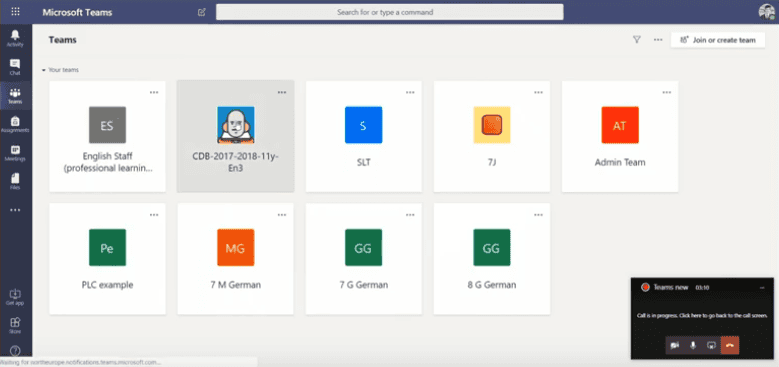
A new tiled interface helps you to visualise your classes in a more friendly view. Don’t worry if you like the list view, you can always switch back to it at any time.
Moving Class Notebook Content
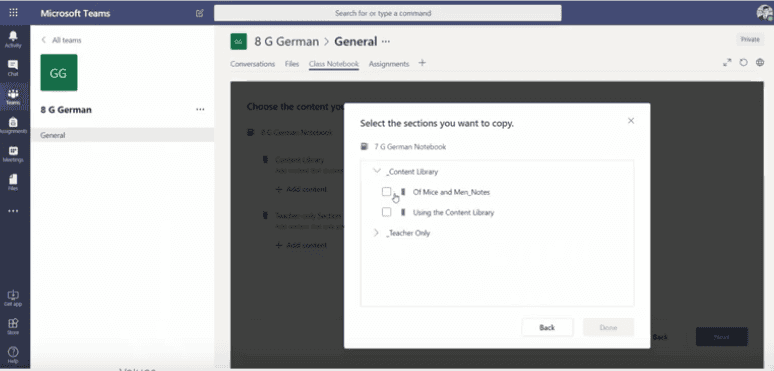
You can now take your Class Notebook content library and teacher only sections with you. When creating your new Class Notebook, you will have the option to import from previous Class Notebooks.
Assignments Interface
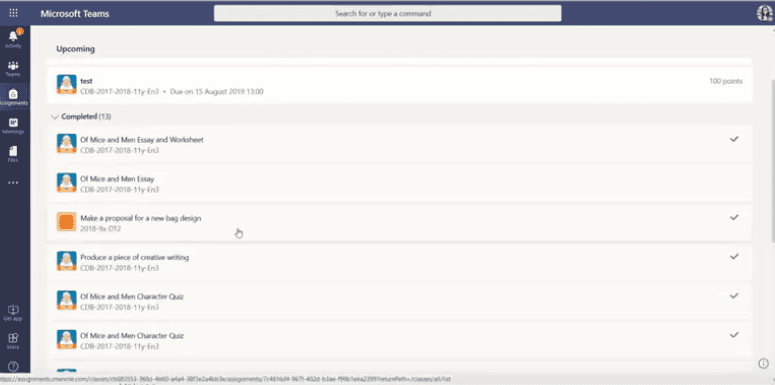
Assignments are easier to view with the new grouped view. Late assignments are marked red.
There are more updates coming soon too. You can check these out on the Teams Education blog.


